Gate, bus and canteen
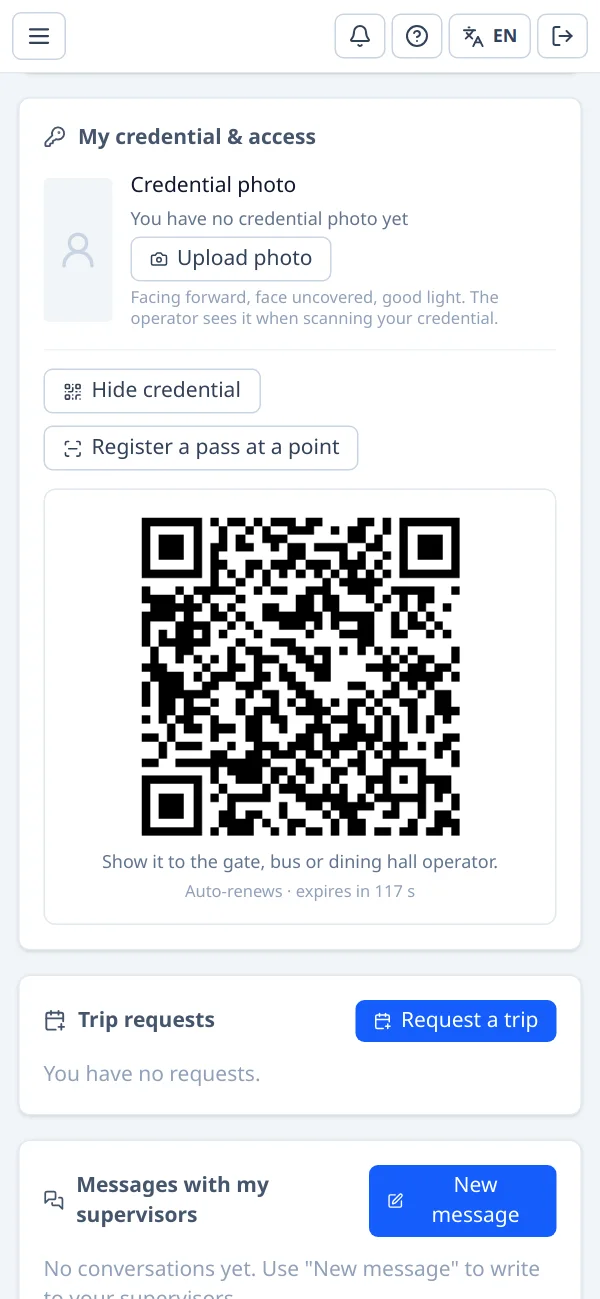
Badge by card or QR. The operator sees the person's photo, trip and traffic light; if something is missing, the pass is refused with the reason. Kiosk mode for tablets.
People logistics for remote operations
Flights, buses, lodging and access control for your whole workforce in one system. From the travel request to the site gate, and back home.
Proven where failure is not an option
ActualTrip organises every staff movement at two of the most important astronomical observatories in the world: rotating shifts, flights and buses that must connect, residences that fill up, and gates that need to know, at every moment, who is up the mountain.
That experience is behind every screen.
How it works
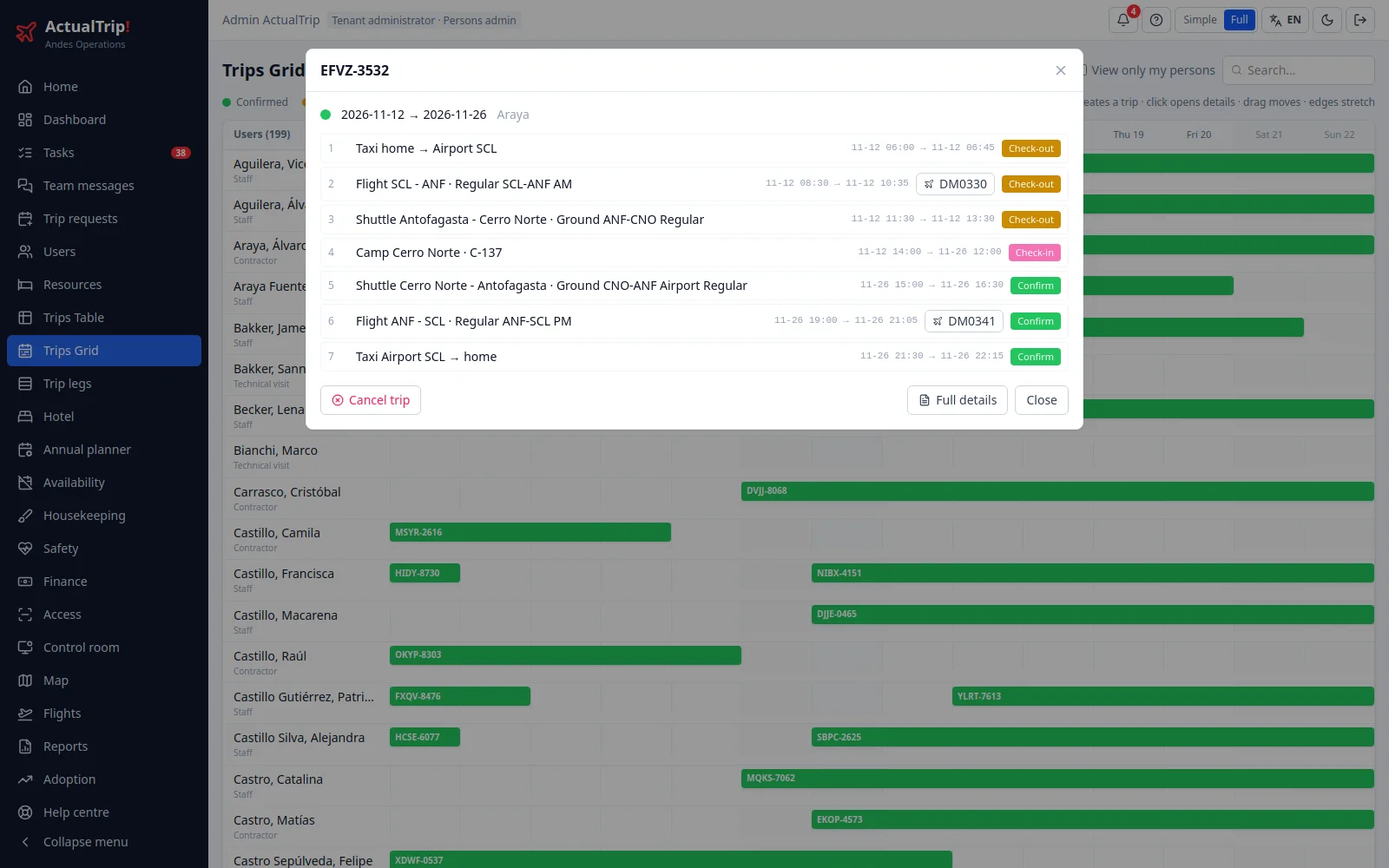
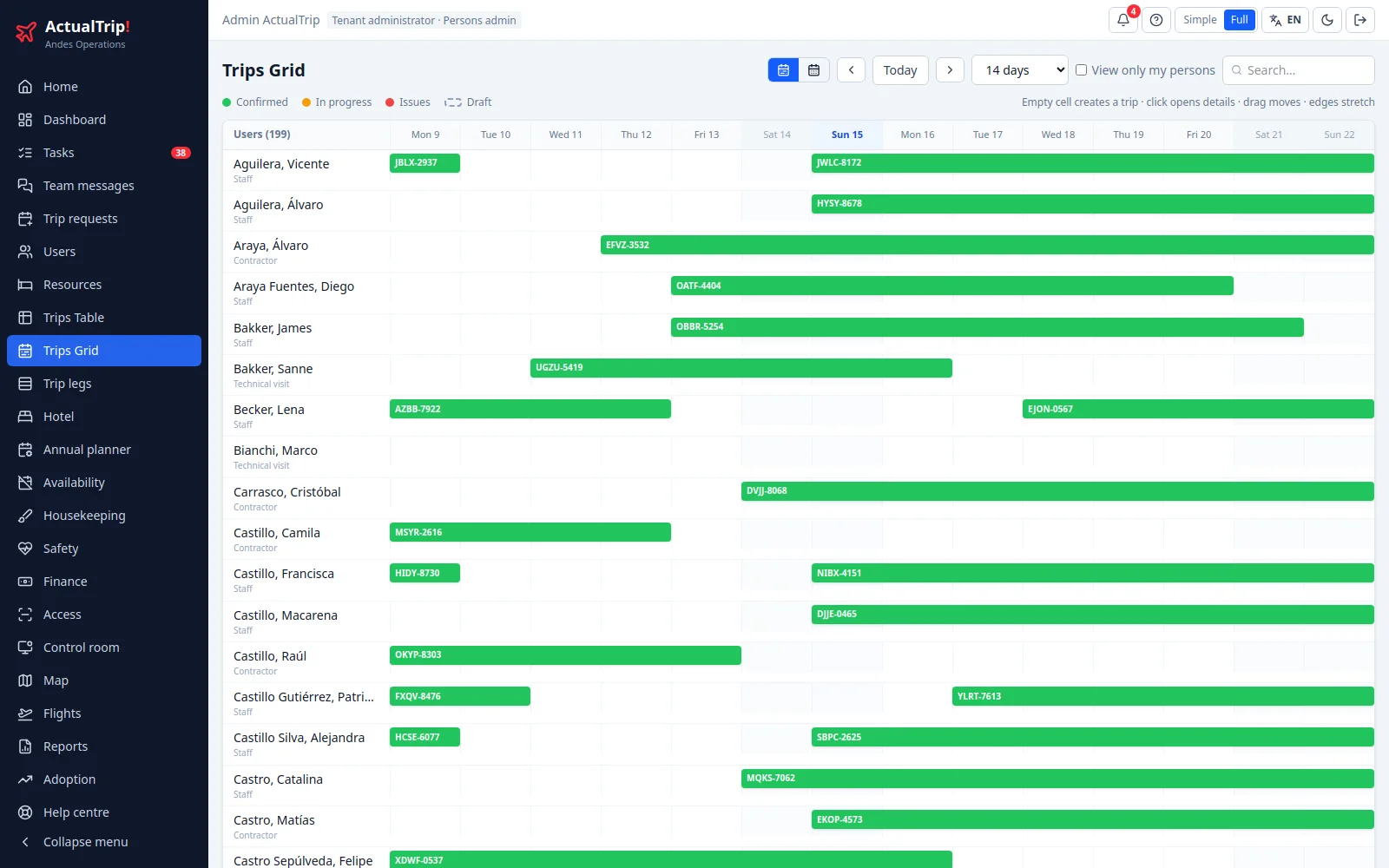
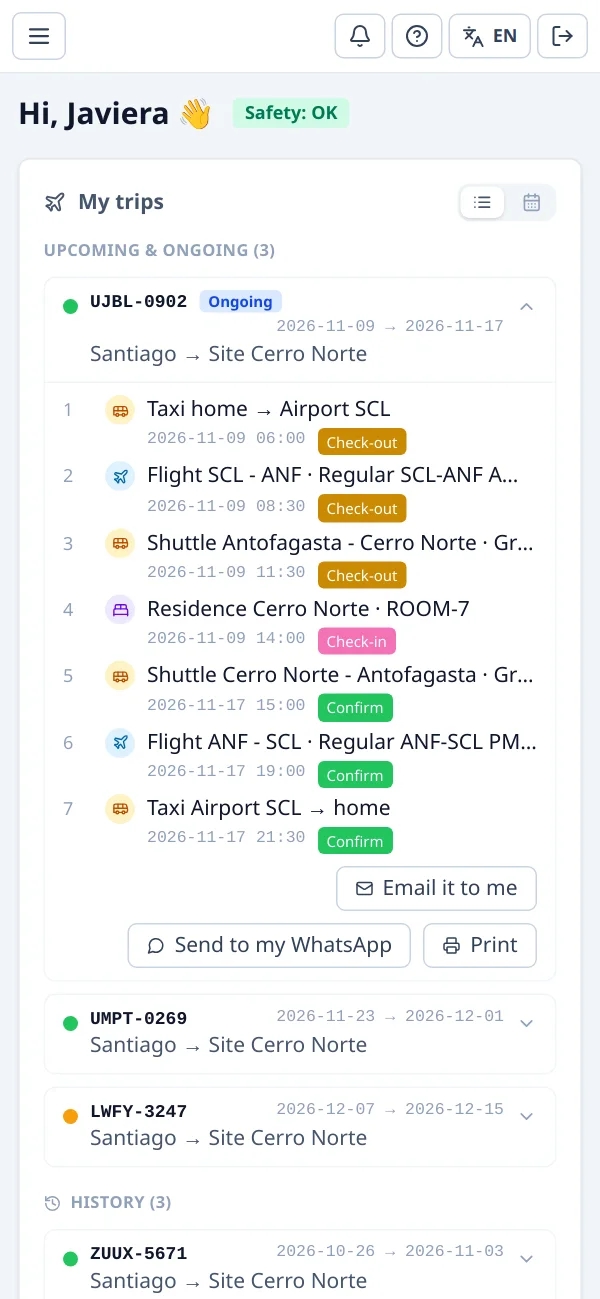
A trip is a chain of legs —taxi, flight, bus, room, and the way back— and each leg has its own supplier. ActualTrip builds them, coordinates them and follows them to the end.
Operations
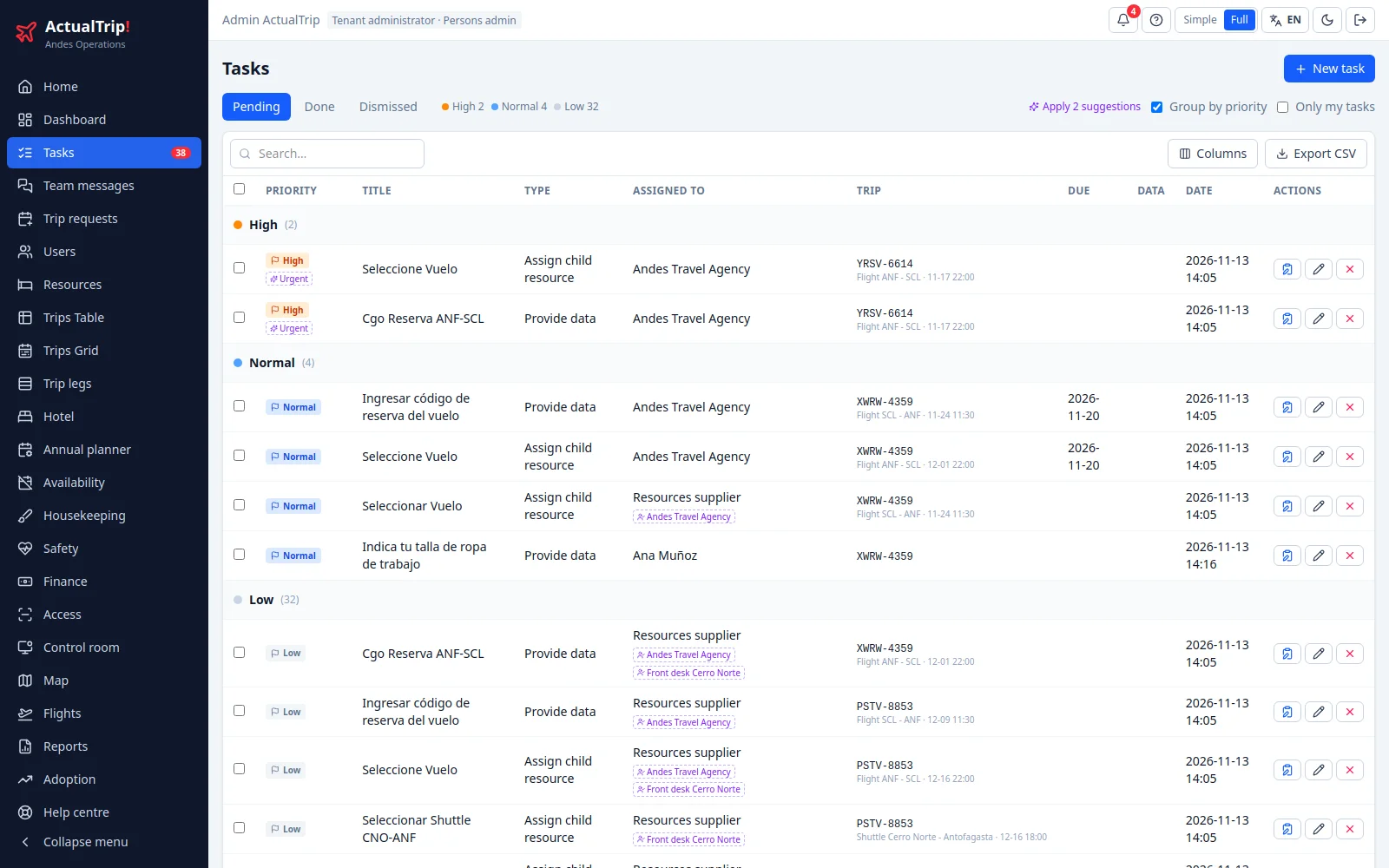
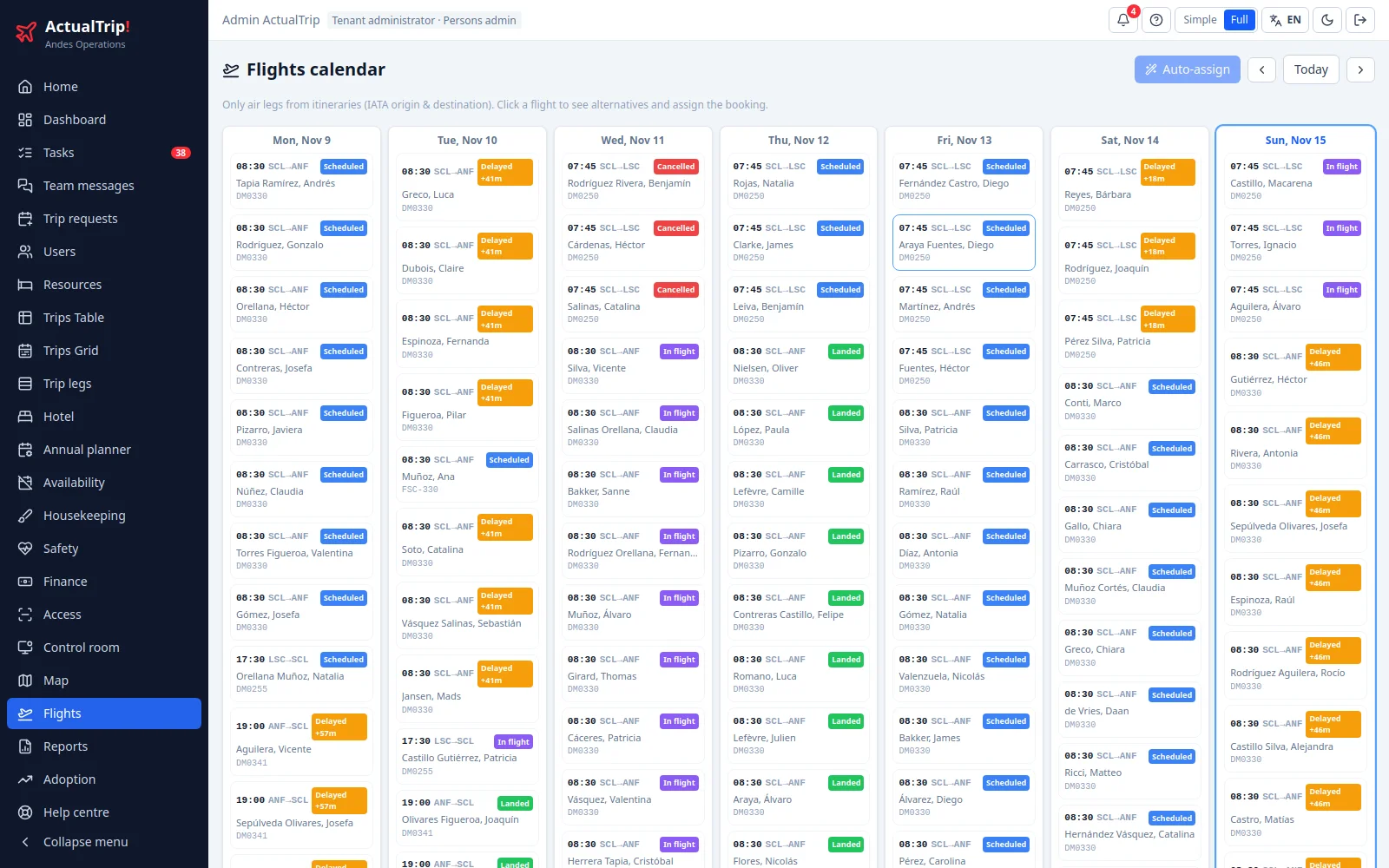
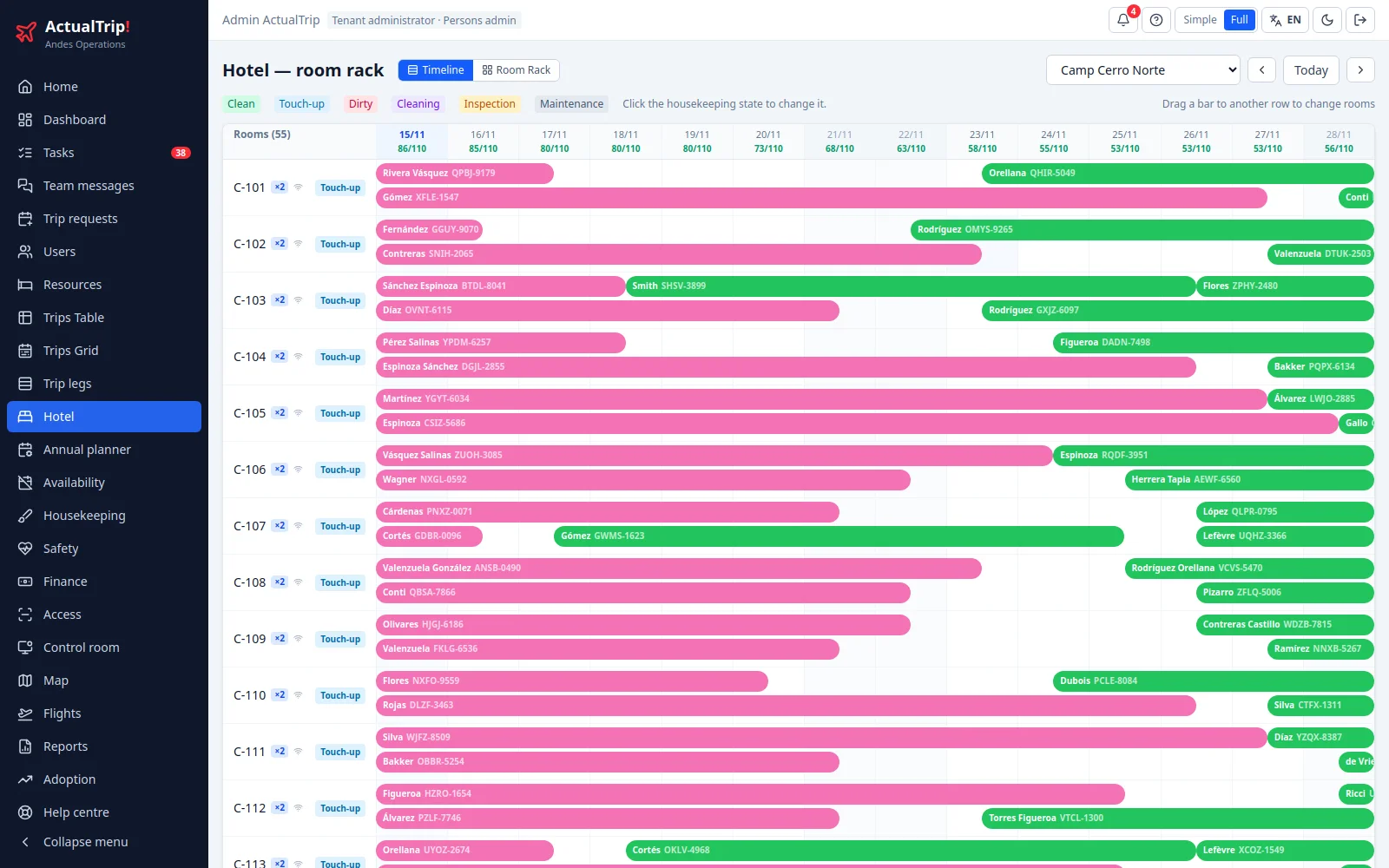
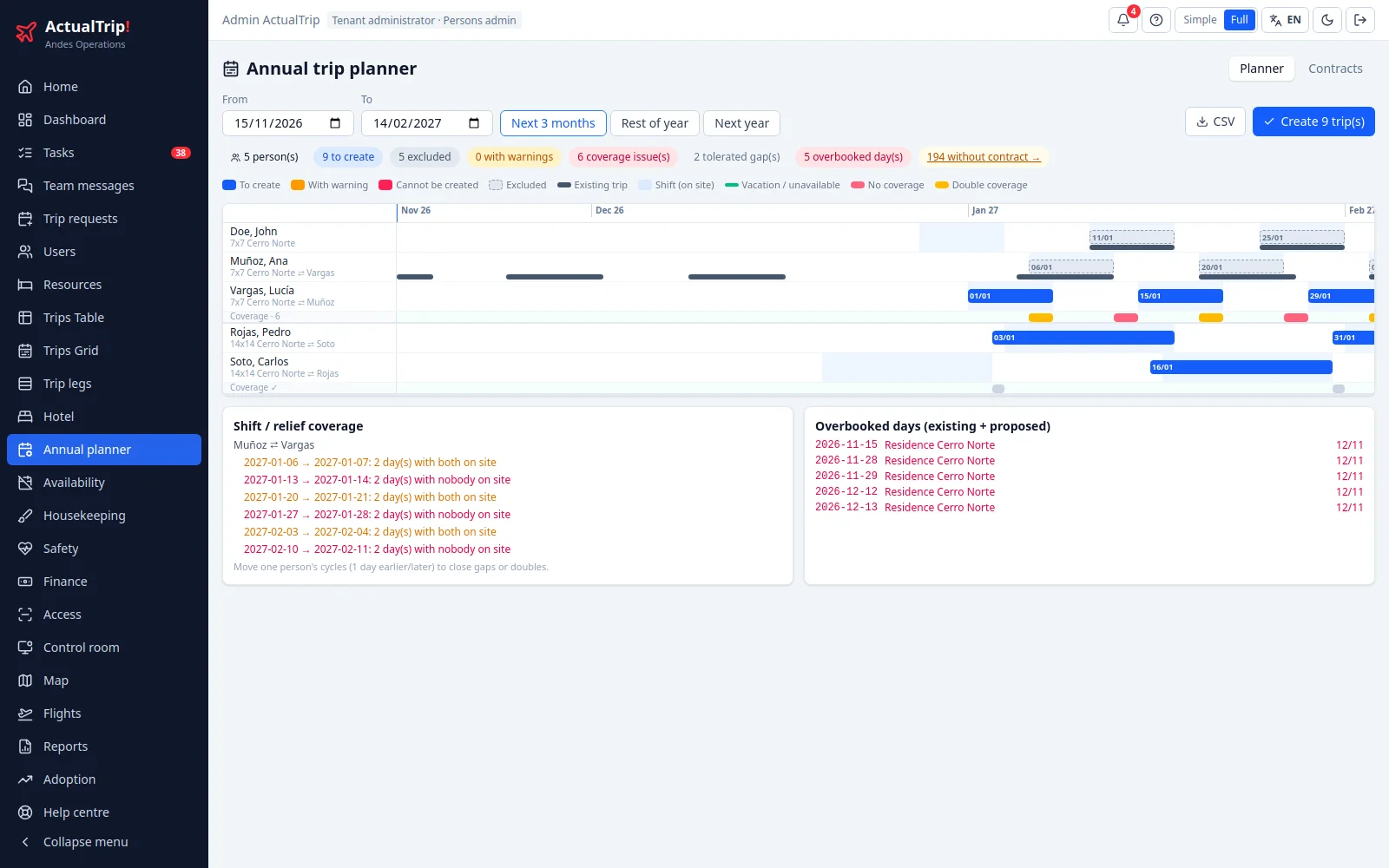
Pick a screen to see what it looks like.
On site
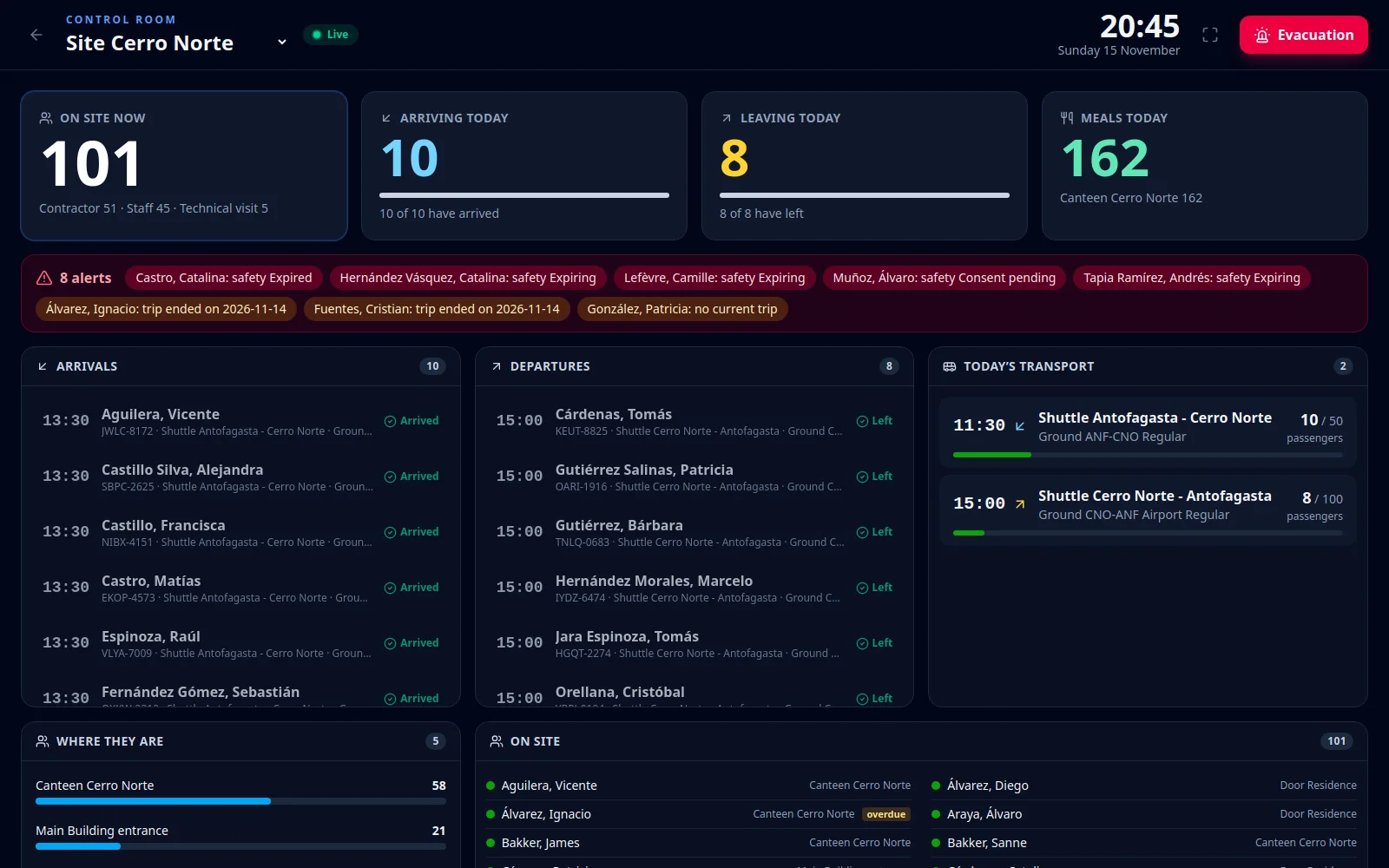
The control room shows live who is on site, who arrives and who leaves today, the day's buses and the alerts. It updates itself with every pass through the gate, the bus or the canteen.
Badge by card or QR. The operator sees the person's photo, trip and traffic light; if something is missing, the pass is refused with the reason. Kiosk mode for tablets.
Medical exams, briefings and inductions with their expiry dates. A warning before they expire, and anyone not cleared does not get through the gate.
One button turns the control room into the roll-call list: who was on site and where they were last seen.
Travellers
Every person signs in from their phone and has everything that is theirs, in their language.
Security and control
Permission templates by role plus individual adjustments. A people administrator sees their people; a supplier, its resources.
Who changed what and when: every status, every booking and every pass through an access point.
Each organisation's data is kept apart in the database, with rules that do not depend on the screen.
We will show you ActualTrip at work: a trip end to end, the suppliers, the gate and the control room.
WhatsApp +54 9 3541 547899 · We reply during business hours, Monday to Friday.
Any operation that moves people to remote sites and houses them there: observatories, mining, energy, construction, camps. If your people rotate on shifts (7×7, 14×14 or whatever you use), travel by plane and bus and sleep on site, ActualTrip is built for that.
No. It runs in the browser, on a computer, tablet or phone. Travellers use their phones; gate operators use a tablet or a card reader.
Yes. Each hotel, bus company or travel agency signs in with its own user and sees only its own resources: it gets the tasks for its legs, picks the room or seat, enters booking codes and never sees another supplier's work.
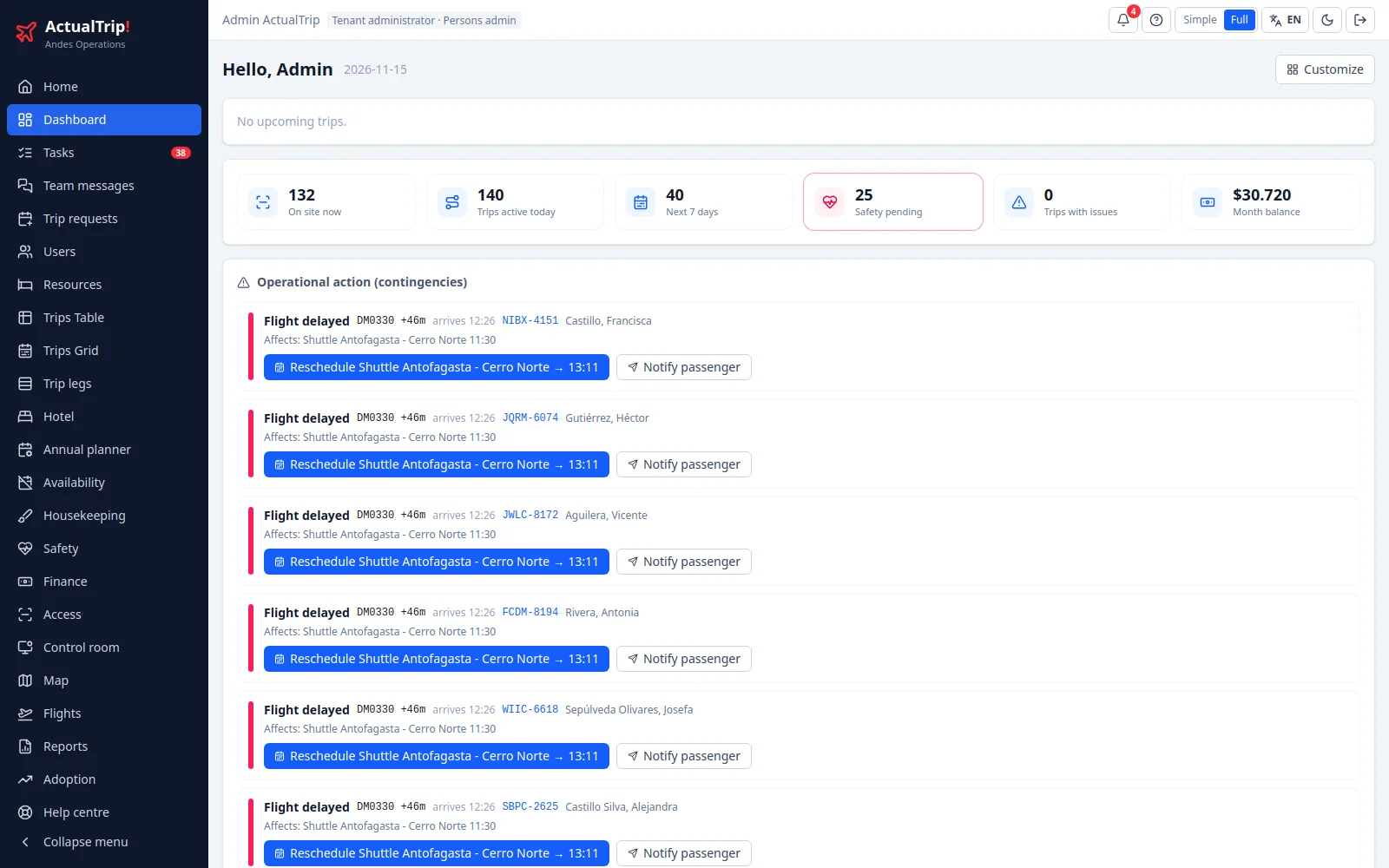
The system tracks the status of booked flights. When one is delayed, the dashboard flags it together with the legs it affects (for example, the bus waiting for it) and offers to reschedule them or notify the traveller in one click.
Spanish, English and German. Each person picks their language, and the notices they receive come in that language.
Yes. People, companies and resources can be imported from spreadsheets. If you want to connect your HR system, tell us which one you use and we will look at it together.
We prepare a proposal based on the size of your operation: number of people, sites and modules. Write to us on WhatsApp or by email.
Write to us and we will show it with a case like yours.
Book a demo on WhatsApp